Project Zomboid server hosting
for survivors who never log off.
A Project Zomboid dedicated server that stays online when you do not: Build 42 or 41, Steam Workshop mods, automatic backups and Voxility Anti-DDoS protection.
- Auto-backups included
- Build 42 or 41
- Workshop mods

How do you want to set up your server?
Ready-to-launch Project Zomboid servers
An empty Build 42 server uses about 3 GB, and memory climbs as players explore and mods load, so every plan starts at 6 GB. 8 GB suits a group of friends with some Workshop mods; 12–16 GB is for bigger groups and heavy mod packs.
Project Zomboid Rosewood
Project Zomboid Muldraugh
Project Zomboid West Point
Project Zomboid Louisville
Finish your setup
Build 42 is the current stable branch. Pick Build 41 if your mods are not on 42 yet; you can switch later from the Startup tab.
Everything your server needs, on every plan
Fixed plans and Custom servers get the same hardware, panel and protection.
Performance
Fast hardware, protected network
- Ryzen 7 / Intel i9 CPU
- DDR4 RAM @ 3200MHz
- NVMe SSD storage
- Anti-DDoS Voxility 1 Tbps+
Full control
Your server, your rules
- GamePanel + sFTP access
- Build 42 or Build 41
- Steam Workshop mods
- Scheduled restarts
Peace of mind
We take care of the rest
- Automatic backups
- Free save migration
- Instant setup
- Friendly support
Choose your RAM
Pick any size from 6 to 32 GB, then the game build, billing period and add-ons. The price updates as you go.
RAM
A few survivors on Build 42, vanilla or a couple of light mods.
Build 42 or 41
Billing
Add-ons
- High-frequency Ryzen 7 / Intel i9 CPU
- Voxility Anti-DDoS, 1 Tbps+
- GamePanel and sFTP access
- Automatic save backups
- Free save migration
I only paid 2.59$ for a server where i can play with my friends and the server works great, i didn't have any second of lag. If u guys are looking for a cheap hosting service use hythost, it's the best.
You get stable, good server for the price. I will recommend using them if you do not want to spend a lot of money for your server. And also support is really helpful and efficient.
My server got griefed and i was not able to restore any of the backups. HytHost replied to me within 1 day and within 2 days, the server was as great as new.
Everything you need to run a Project Zomboid dedicated server
A Project Zomboid dedicated server that keeps Knox County alive
A Project Zomboid dedicated server runs on its own, so the world keeps going when the host logs off: your group can loot, build and survive on their own schedule, and the save stays in one safe place.
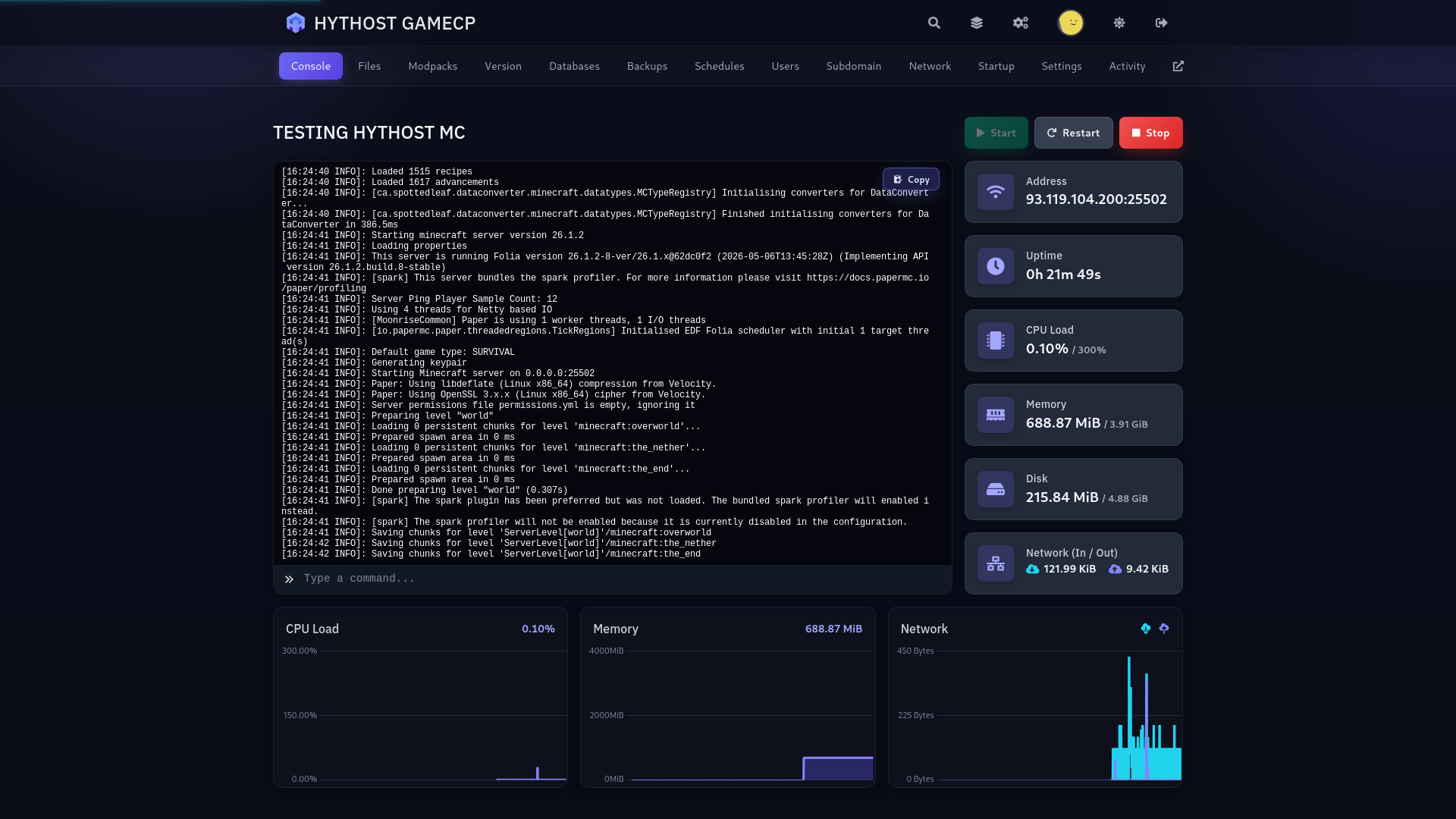
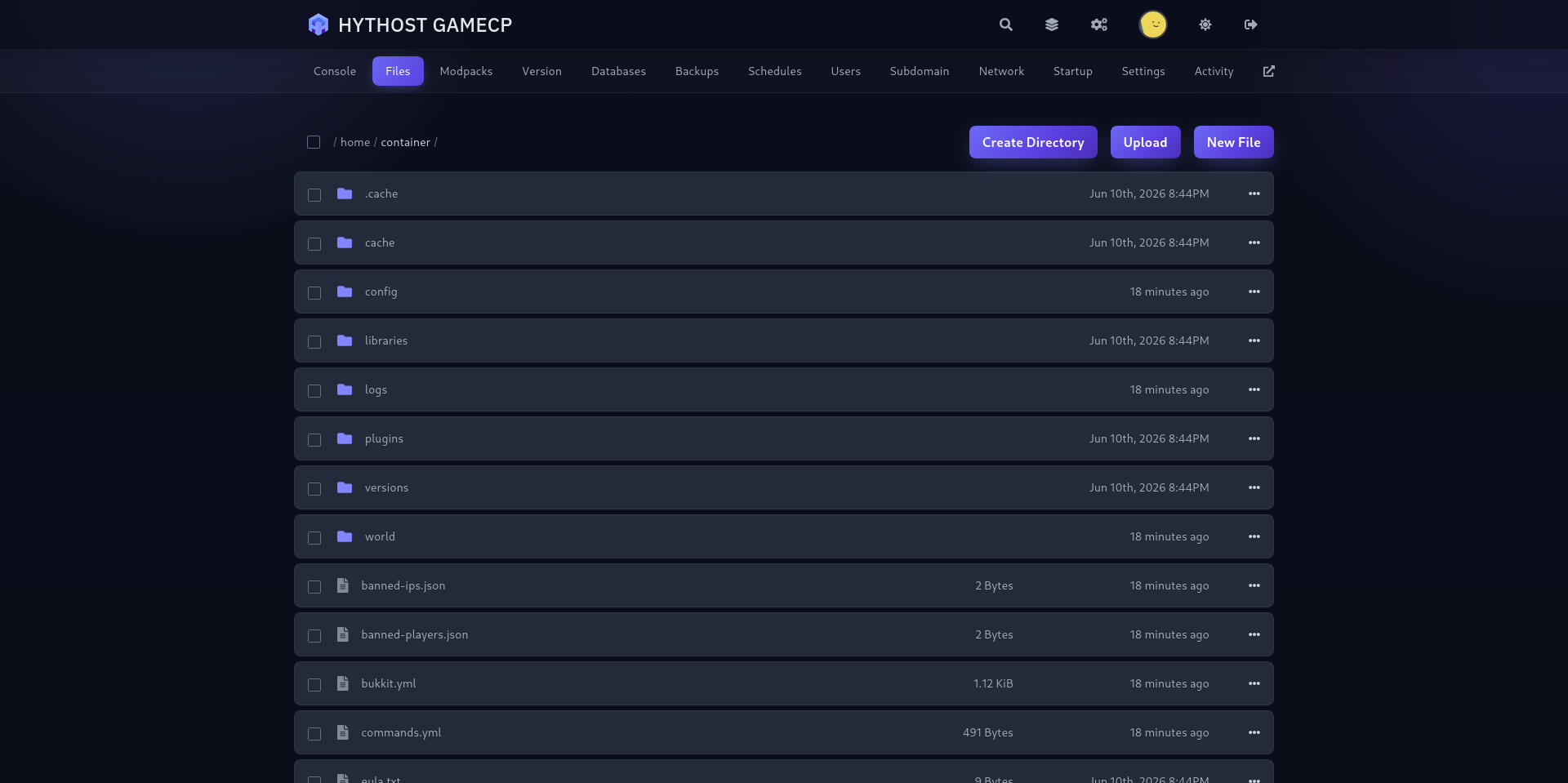
To join, open Project Zomboid, choose Join, add the server IP and port from your panel and enter the password if you set one. Your GamePanel gives you the live console, file access, backups and restart controls in one place.
Start with the plan that fits your group and upgrade in place later. The save, mods and settings stay with you.
Build 42 or Build 41 — pick at checkout
Build 42 has been the stable branch, multiplayer included, since version 42.20 in July 2026. It brings crafting, basements, animals and the new lighting, and it is preselected. Build 41 (41.78) stays available for groups that play mods not yet updated for 42.
Choose the build when you order. You can switch later from the Startup tab of your panel and reinstall. A Build 41 save does not open on Build 42, so a switch starts a fresh world; your old one is kept in a folder of its own on the server. Many Workshop mods exist in separate versions for each build.
How much RAM does a Project Zomboid server need?
An empty Build 42 server uses about 3 GB, then roughly half a gigabyte more per active player, plus whatever your Workshop mods need. 6 GB suits a few friends, 8 GB a group of up to about ten with some Workshop mods, and 12–16 GB bigger groups or heavy packs with custom maps and vehicles.
Mods, map size and how spread out your players are all change memory use. Pick one of the fixed 6, 8, 12 and 16 GB plans, or build a Custom server with any size from 6 to 32 GB. Upgrades keep your save in place.
Install Steam Workshop mods
Add the Workshop IDs to WorkshopItems and the mod IDs to Mods in the Startup tab, then restart. The mod ID is the id= line of the mod's mod.info, not its folder name. The server downloads the mods itself, and players get them automatically when they join.
Build 42 shows mod IDs with a backslash, for example \ModA;\ModB; the server accepts them with or without it. On Build 41, never add the backslash. Nothing is preinstalled, so you decide the exact list; take a backup before a large mod update.
Admin access, whitelist and passwords
The admin account is created on the first start. Set its password in the Startup tab before you start the server, or leave it empty and we generate one for you; you will find it in admin-password.txt in your files.
To run a whitelist, set Open=false in the server settings and add players with /adduser from the admin account. A server password, PvP and the public server list are set from the Startup tab.
Sandbox settings, player limits and automatic backups
Tune zombie population, loot, respawn and the rest of the sandbox options in the server files. Every plan starts with a sensible default player limit, which you can raise in the Startup tab up to the game's limit of 100; above 32 players the game itself warns about map streaming, so plan RAM and mods accordingly.
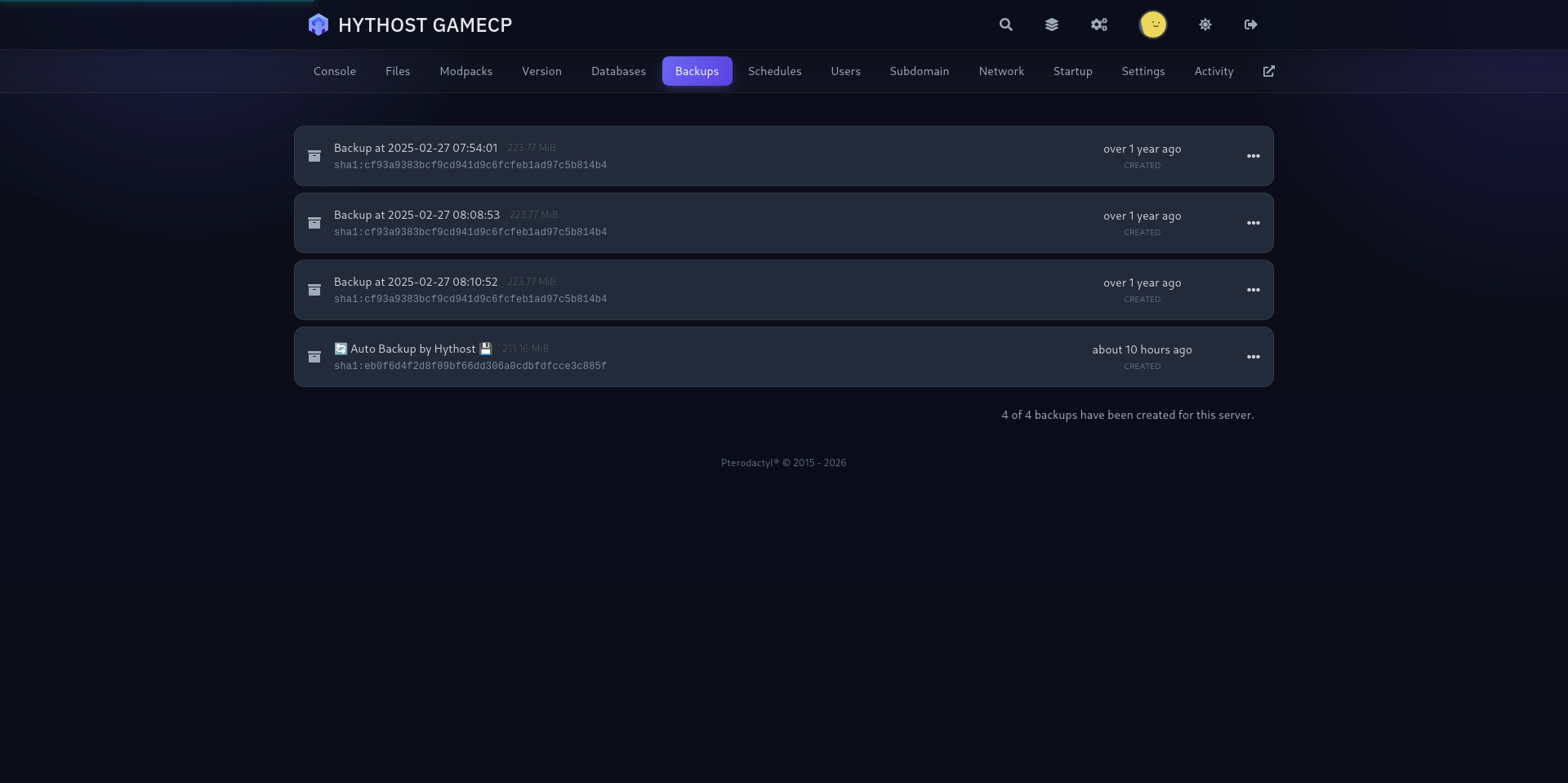
Automatic backups are included, and you can create a manual backup before changing the build, mods or sandbox settings. Scheduled restarts keep a long-running world responsive without someone watching the console.
PC multiplayer in Europe, protected against DDoS attacks
Project Zomboid is a PC game on Windows, macOS and Linux, and players on all three join the same server through Steam. There is no console or mobile version.
European nodes keep latency low across the region, while Voxility filters attacks with over 1 Tbps of mitigation capacity. Already have a save elsewhere? Send us the Zomboid/Saves/Multiplayer folder together with the server settings and we will migrate it free of charge.
1 Tbps+ DDoS protection
Used frequently to protect online games, DNS, TCP services, HTTPS and HTTP websites. 23 PoP locations in 14 cities across the US, EU, and Asia.
- 1 Tbps+ DDoS protection capacity
- 23 PoP locations in 14 cities
- Used for online games and TCP/UDP services
- Coverage across the US, EU, and Asia
A modern panel built for Project Zomboid
Live console, file manager, one-click backups and scheduled restarts — run your Knox County server without touching a command line.
Frequently Asked Questions
Answers about Project Zomboid hosting, Build 42 and 41, Workshop mods, RAM, admin access, backups and migration.
Your Knox County server, ready for the long haul.
Pick Build 42 or 41, add your Workshop mods, invite your group and manage everything from one straightforward panel.

