Vintage Story server hosting
for worlds built to last.
A Vintage Story dedicated server that stays online when you log off: pick your game version, add ModDB mods, keep automatic backups and stay protected by Voxility Anti-DDoS.
- Auto-backups included
- Version choice
- ModDB mods

How do you want to set up your server?
Ready-to-launch Vintage Story servers
Vanilla Vintage Story runs well on 2 GB for two or three players. Mods, bigger groups and long-explored worlds need more: 4–6 GB suits most groups, 8 GB large modpacks.
Vintage Story Copper
Vintage Story Bronze
Vintage Story Iron
Vintage Story Steel
Everything your world needs, on every plan
Fixed plans and Custom servers get the same hardware, panel and protection.
Performance
Fast hardware, protected network
- Ryzen 7 / Intel i9 CPU
- DDR4 RAM @ 3200MHz
- NVMe SSD storage
- Anti-DDoS Voxility 1 Tbps+
Full control
Your server, your rules
- GamePanel + sFTP access
- Any game version from 1.18
- ModDB mods
- Scheduled restarts
Peace of mind
We take care of the rest
- Automatic backups
- Free world migration
- Instant setup
- Friendly support
Choose your RAM
Pick any size from 2 to 16 GB, then the game version, billing period and add-ons. The price updates as you go.
RAM
Two or three friends on a vanilla world.
Game version
Billing
Add-ons
- High-frequency Ryzen 7 / Intel i9 CPU
- Voxility Anti-DDoS, 1 Tbps+
- GamePanel and sFTP access
- Automatic world backups
- Free world migration
I only paid 2.59$ for a server where i can play with my friends and the server works great, i didn't have any second of lag. If u guys are looking for a cheap hosting service use hythost, it's the best.
You get stable, good server for the price. I will recommend using them if you do not want to spend a lot of money for your server. And also support is really helpful and efficient.
My server got griefed and i was not able to restore any of the backups. HytHost replied to me within 1 day and within 2 days, the server was as great as new.
Everything you need to run a Vintage Story dedicated server
A Vintage Story dedicated server that keeps your world running
A Vintage Story dedicated server runs on its own, so the world keeps going when you log off: crops grow, seasons turn and your group can play on their own schedule.
To join, open Multiplayer in Vintage Story, add the server address and port from your panel and enter the password if you set one. Your GamePanel gives you the live console, file access, backups and restart controls in one place.
Start with the plan that fits your group and upgrade in place later. The world, mods and settings stay with you.
Choose your game version at checkout
The newest stable release is preselected. If your mods or your group need an older one, pick any version back to 1.18.15 when you order — the list comes straight from the official release feed, so new versions appear on their own.
You can change the version later in the Startup tab of your panel and reinstall. Moving to a newer version keeps your world. Moving to an older one starts a new world, and your current world is kept in a folder of its own on the server. Most mods are built for a specific game version.
How much RAM does a Vintage Story server need?
The official guideline is about 1 GB plus 300 MB per player. 2 GB suits two or three friends on a vanilla world, 4–6 GB a group with mods, and 8 GB large modpacks or busy, long-explored worlds.
Mods, world age and how far your players spread out all change memory use. Pick one of the fixed 2, 4, 6 and 8 GB plans, or build a Custom server with any size from 2 to 16 GB. Upgrades keep your world in place.
Install mods from the ModDB
List the ModDB mod ids in MODDB_MODS in the Startup tab and reinstall: the server downloads the release made for your game version. You can also upload mod .zip files to the Mods folder with the file manager or sFTP, or install them from the console with /moddb install and the mod id, then restart.
Most mods are sent to players automatically when they join; the mod page on the ModDB says when players have to install one themselves. Nothing is preinstalled, so you decide the exact list.
Admin rights, roles and the whitelist
Make yourself admin from the panel console with /op YourName, and hand out roles with /player NAME role ROLE. The whitelist is off on new servers, so anyone with the address — and the password, if you set one — can join.
To run a private server, switch on the Whitelist field in the Startup tab of the panel and restart, then add players with /player NAME whitelist on. The panel applies the Startup tab on every start, so set the whitelist there rather than with /serverconfig.
World settings, player limits and automatic backups
Set the server name, password, play style and seed in the Startup tab before the world is created. To start over, rename or remove the save in Saves and restart — a fresh world is generated with the current settings. Every plan starts with a sensible player limit, which you can raise up to 128.
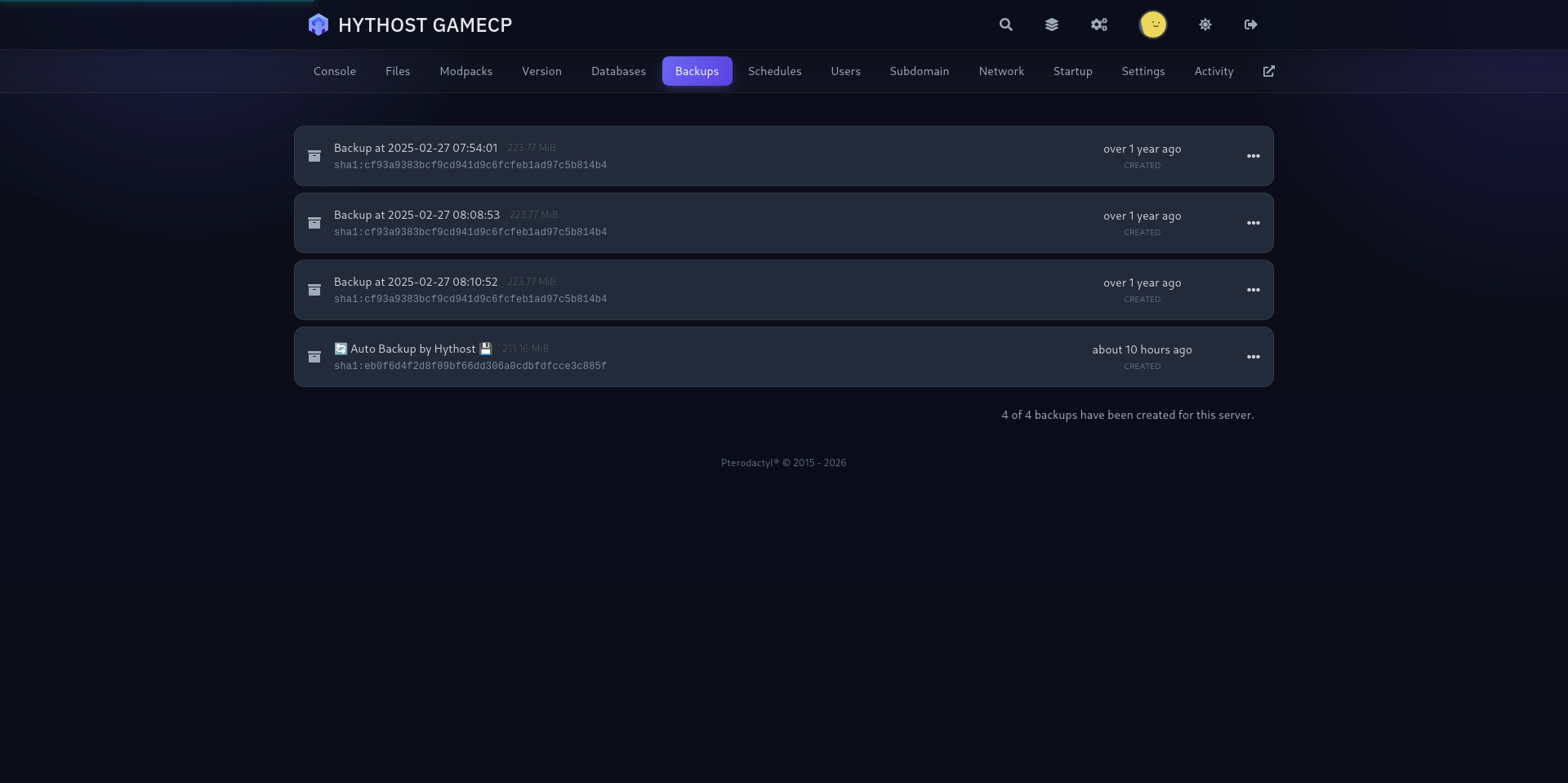
Automatic backups are included, and you can create a manual backup before changing the version, mods or settings. Scheduled restarts keep a long-running world responsive without someone watching the console.
PC multiplayer in Europe, protected against DDoS attacks
Vintage Story is a PC game on Windows, macOS and Linux. It is sold on vintagestory.at, not on Steam, and every player needs their own game account. There is no console or mobile version.
European nodes keep latency low across the region, while Voxility filters attacks with over 1 Tbps of mitigation capacity. Already have a world elsewhere? Send us the .vcdbs save from the Saves folder and your mod list, and we will migrate it free of charge.
1 Tbps+ DDoS protection
Used frequently to protect online games, DNS, TCP services, HTTPS and HTTP websites. 23 PoP locations in 14 cities across the US, EU, and Asia.
- 1 Tbps+ DDoS protection capacity
- 23 PoP locations in 14 cities
- Used for online games and TCP/UDP services
- Coverage across the US, EU, and Asia
A modern panel built for Vintage Story
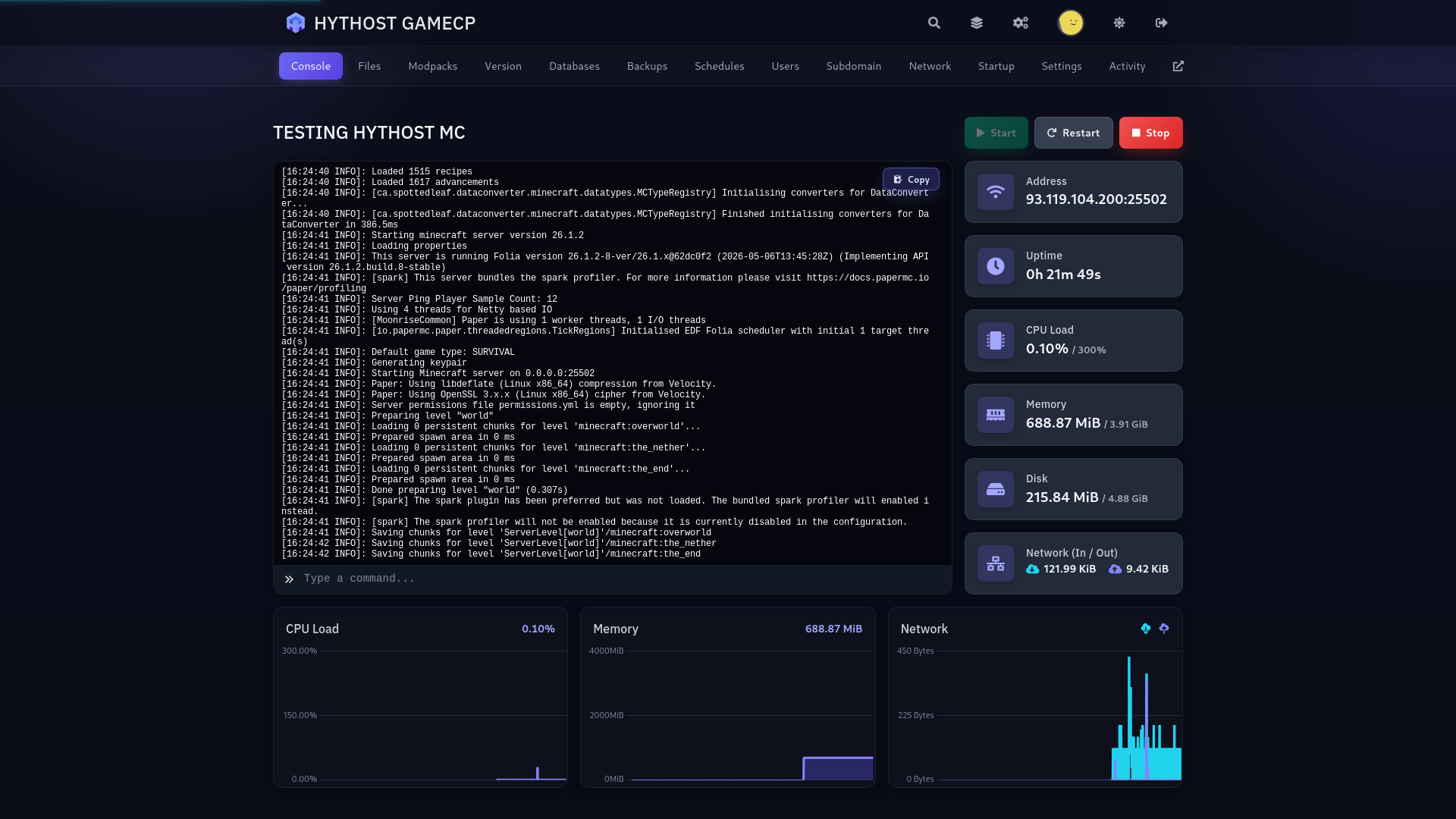
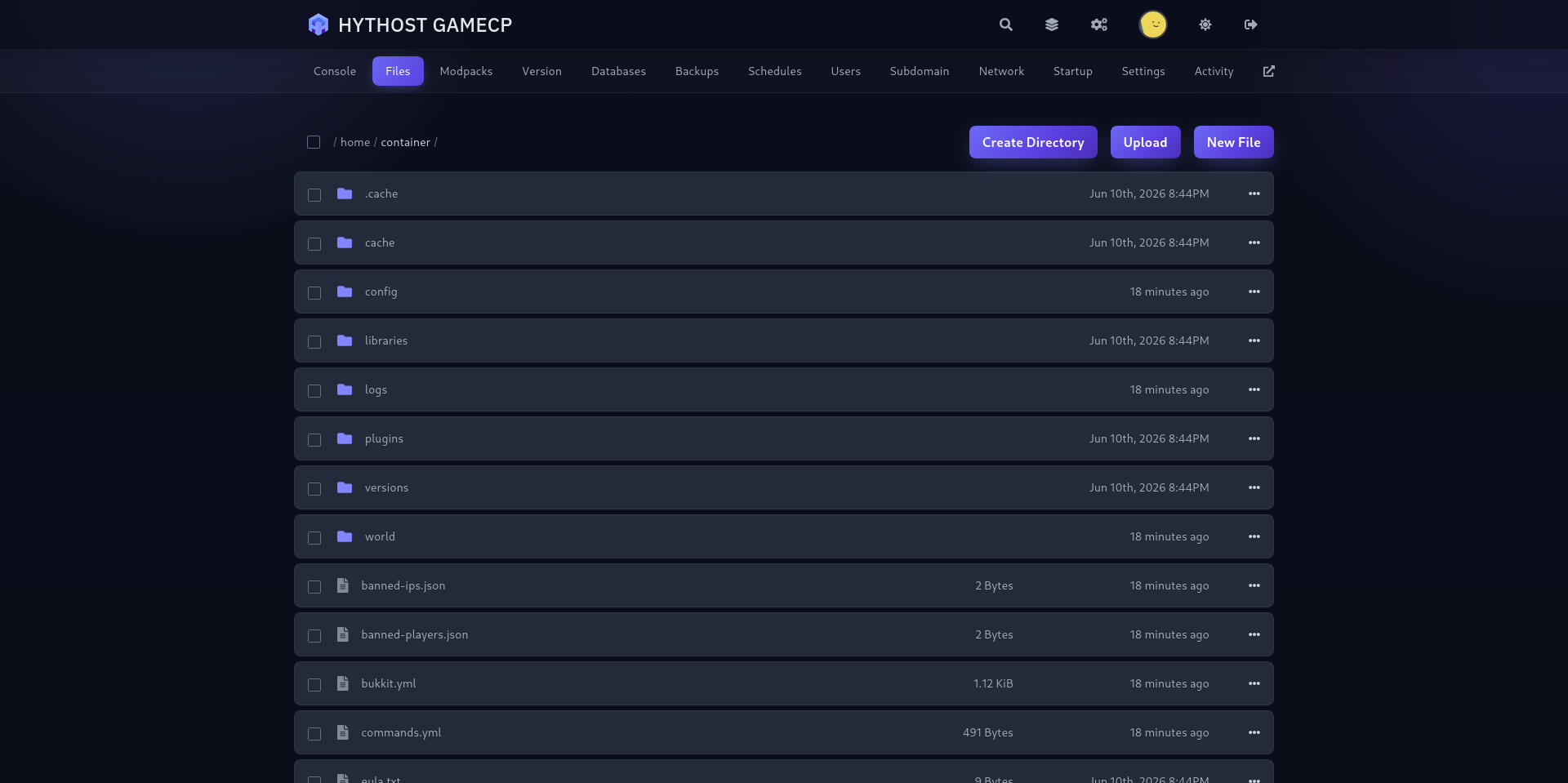
Live console, file manager, one-click backups and scheduled restarts — run your world without touching a command line.
Frequently Asked Questions
Answers about Vintage Story hosting, game versions, mods, RAM, the whitelist, admin rights, backups and migration.
Your Vintage Story world, ready for the long haul.
Pick your game version, add your mods, invite your group and manage everything from one straightforward panel.

