7 Days to Die (7DTD) dedicated server hosting
for survivors who hold the line.
A 7DTD dedicated server that stays online when you do not: Stable, Experimental, V2.6 or V1.4 for overhaul mods, PS5 and Xbox crossplay, automatic backups and Voxility Anti-DDoS protection.
- Auto-backups included
- Pick your game version
- PS5 and Xbox crossplay

How do you want to set up your server?
Ready-to-launch 7 Days to Die servers
In 7 Days to Die the map size and the mods use far more memory than the players do. 6 GB runs eight survivors on a 6k random map; 8 GB suits an 8k map or a modlet pack, and 12-16 GB is for overhaul mods and 10k maps.
7 Days to Die Pine Forest
7 Days to Die Desert
7 Days to Die Wasteland
Finish your setup
Stable is the current release. Pick V2.6 or V1.4 for overhaul mods that are not on V3 yet; you can switch later from the Startup tab.
Everything your server needs, on every plan
Fixed plans and Custom servers get the same hardware, panel and protection.
Performance
Fast hardware, protected network
- Ryzen 7 / Intel i9 CPU
- DDR4 RAM @ 3200MHz
- NVMe SSD storage
- Anti-DDoS Voxility 1 Tbps+
Full control
Your server, your rules
- GamePanel + sFTP access
- Stable, Experimental or older versions
- Modlets and overhaul mods
- PS5 and Xbox crossplay
Peace of mind
We take care of the rest
- Automatic backups
- Free save migration
- Instant setup
- Friendly support
Choose your RAM
Pick any size from 6 to 24 GB, then the game version, billing period and add-ons. The price updates as you go.
RAM
Eight survivors on a 6k random map or Navezgane, vanilla.
Game version
Billing
Add-ons
- High-frequency Ryzen 7 / Intel i9 CPU
- Voxility Anti-DDoS, 1 Tbps+
- GamePanel and sFTP access
- Automatic save backups
- Free save migration
I only paid 2.59$ for a server where i can play with my friends and the server works great, i didn't have any second of lag. If u guys are looking for a cheap hosting service use hythost, it's the best.
You get stable, good server for the price. I will recommend using them if you do not want to spend a lot of money for your server. And also support is really helpful and efficient.
My server got griefed and i was not able to restore any of the backups. HytHost replied to me within 1 day and within 2 days, the server was as great as new.
Everything you need to run a 7 Days to Die dedicated server
A 7 Days to Die dedicated server that survives every blood moon
A 7 Days to Die dedicated server keeps your world running when nobody is online, so your group can loot, build and fortify on their own schedule. The horde arrives on time whether the host is playing or not, and the save stays in one safe place.
To join, start the game, open Join a Game, connect to the IP and port shown in your panel and enter the password if you set one. You set the server name, password and player limit in the Startup tab. Every server starts at 8 players, and you can raise the limit to 64; more players need more RAM.
On the first start the server generates its world, which takes a few minutes on a random map. After that it starts in well under a minute.
Stable, Experimental or an older version — pick at checkout
Stable is the current release (V3.2) and is preselected. Experimental gets new features first and can break saves or mods. Two older versions stay available for the big overhaul mods, which currently do not run on V3. V2.6 is for War3zuk and Undead Legacy, and V1.4 for Darkness Falls and Ravenhearst.
Choose the version when you order, and switch later from the Startup tab of your panel. Saves from different versions are not compatible, so a switch starts a fresh world, and your old one is kept in a folder of its own on the server.
How much RAM does a 7 Days to Die server need?
In 7 Days to Die the map size and the mods use far more memory than the players do. An 8k map needs a few gigabytes more than a 6k map, and memory keeps creeping up the longer the server runs, which is why scheduled restarts help.
6 GB runs eight survivors on a 6k random map or on Navezgane. 8 GB suits an 8k map, a modlet pack or a bigger group, and 12-16 GB is for overhaul mods such as Darkness Falls and 10k maps. A Custom server can be any size from 6 to 24 GB, and upgrades keep your save in place.
Modlets, DLL mods and overhauls
Mods go in the Mods folder of your server, uploaded through the file manager or sFTP. Modlets that only change XML files work with anti-cheat (EAC) on, and the server sends them to players when they join. Mods with their own code (DLL or Harmony) need EAC turned off in the Startup tab, and every player must install the same files.
The big overhauls, such as Darkness Falls, Undead Legacy, War3zuk and Ravenhearst, are currently built for older game versions, so pick V1.4 or V2.6 for them. Nothing is preinstalled, so the mod list is entirely yours. Take a backup before a big mod update.
Crossplay with PS5 and Xbox
Console players on PS5 and Xbox Series can join a dedicated server when crossplay is on. Turn it on in the Startup tab; it is off by default. The game sets the rules: anti-cheat stays on, at most 8 players, a map of 8k or smaller, and no mods, because consoles cannot load them.
A modded or overhaul server is a PC-only server, and players on Windows, Linux and macOS join it through Steam as usual.
World settings, difficulty and automatic backups
Play the hand-made Navezgane map or a random world with your own seed and size, all set in the Startup tab. Since V3 the difficulty, blood moon frequency, loot and zombie settings live in a single sandbox code: create it in the game's new-game screen and paste it into the Startup tab.
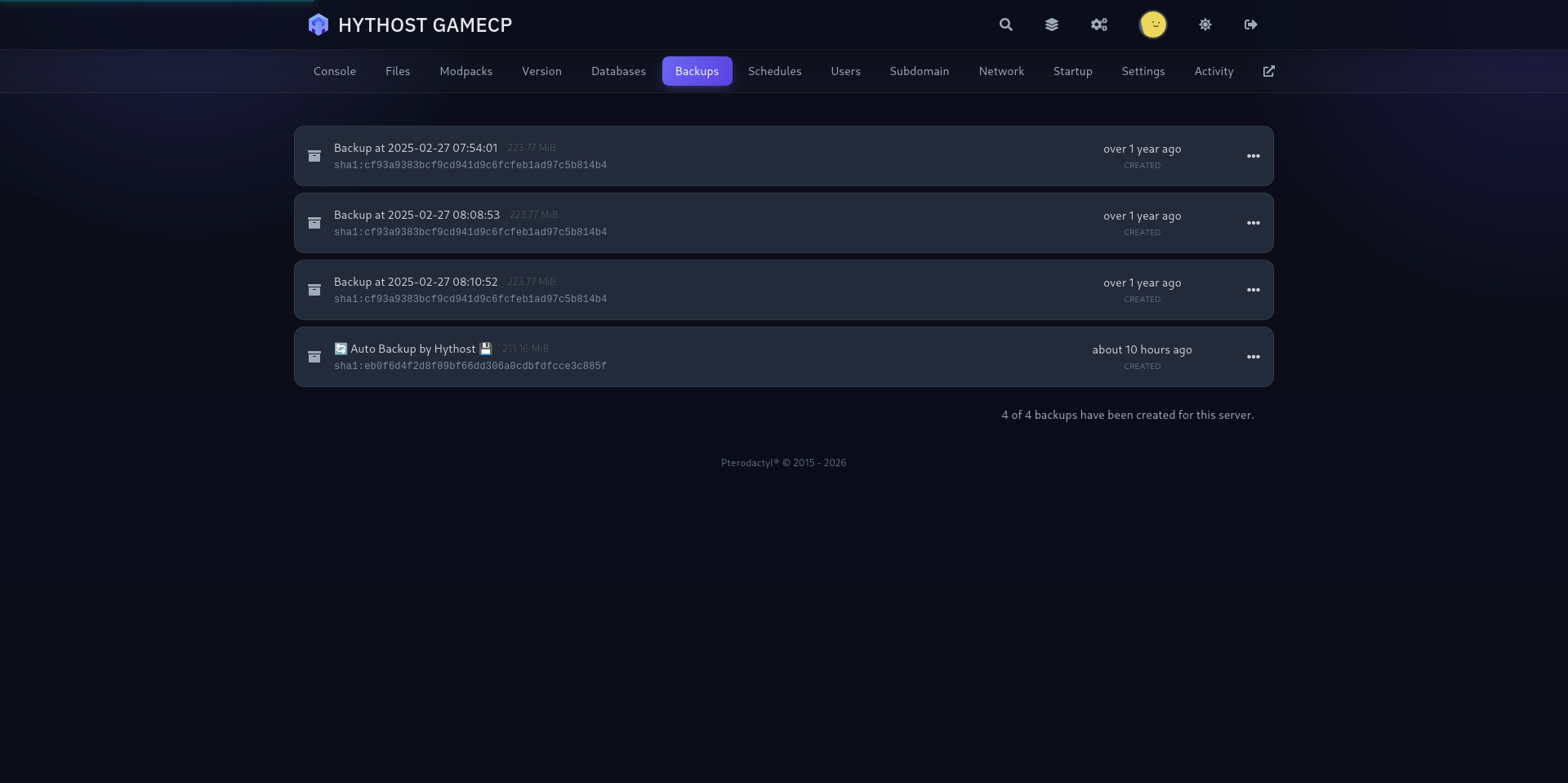
Automatic backups are included, and you can create a manual backup before changing versions, mods or world settings. Scheduled restarts keep a long-running world responsive without anyone watching the console.
Low ping in Europe, protected against DDoS attacks
The world runs on high-clock Ryzen and Intel CPUs, which matters for 7 Days to Die because much of the simulation runs on a single core. European nodes keep latency low across the region, while Voxility filters attacks with over 1 Tbps of mitigation capacity.
Admins go into serveradmin.xml in your server files, or you can use the admin add command in the console. Already have a save on your PC or with another host? Upload it to the server yourself, or send it to us and we will move it free of charge.
1 Tbps+ DDoS protection
Used frequently to protect online games, DNS, TCP services, HTTPS and HTTP websites. 23 PoP locations in 14 cities across the US, EU, and Asia.
- 1 Tbps+ DDoS protection capacity
- 23 PoP locations in 14 cities
- Used for online games and TCP/UDP services
- Coverage across the US, EU, and Asia
A modern panel built for 7 Days to Die
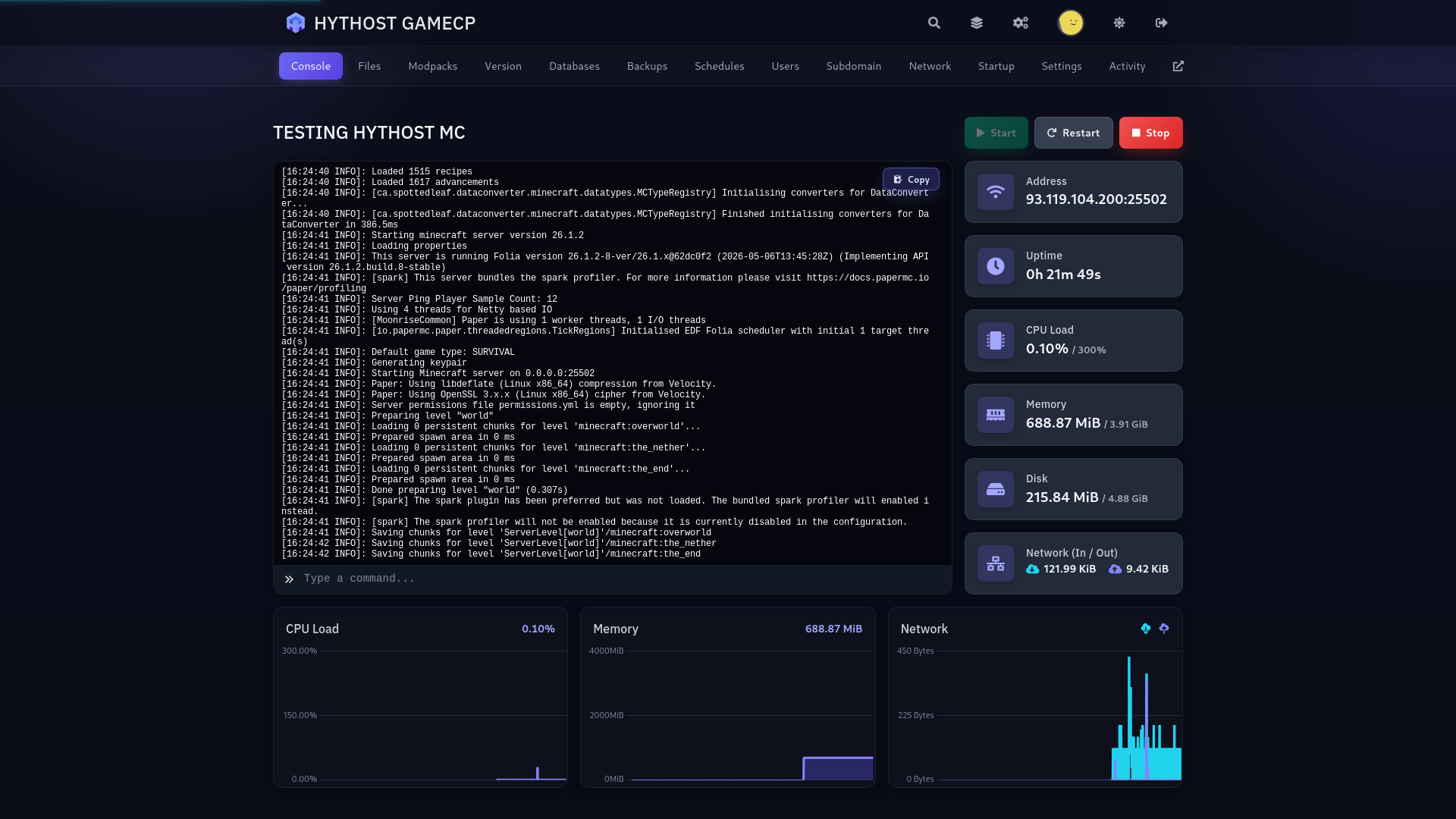
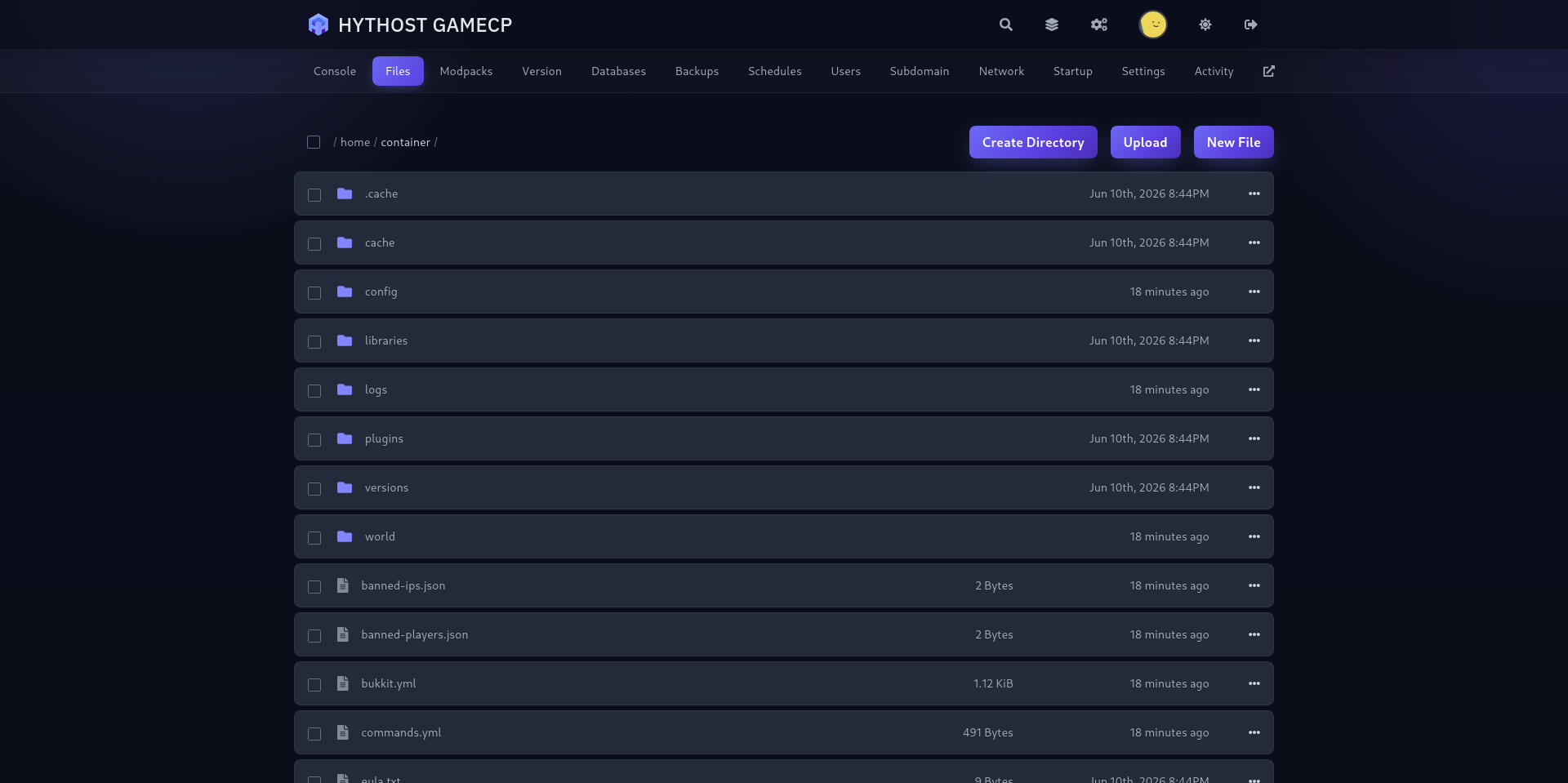
Live console, file manager, one-click backups and scheduled restarts — run your apocalypse without touching a command line.
Frequently Asked Questions
Answers about 7 Days to Die hosting, RAM, game versions and overhauls, mods, crossplay, admins, ports, settings, backups and migration.
Your base, ready for the next blood moon.
Pick your game version, add your mods, invite your group and manage everything from one straightforward panel.

