
128 tick servers
Your server runs at 128 tick, the competitive standard CS:GO players know from third-party leagues.
CSGO server hosting for the legacy game your community still plays, on NVMe storage with Voxility DDoS protection and instant provisioning.
Ready-made plans for retakes, scrims, community servers and events. Order in one click.
Pick any slot count from 10 to 64, then your billing period and add-ons. The price updates as you go.
Recommended for retakes, 5v5 matches and practice.
I only paid 2.59$ for a server where i can play with my friends and the server works great, i didn't have any second of lag. If u guys are looking for a cheap hosting service use hythost, it's the best.
You get stable, good server for the price. I will recommend using them if you do not want to spend a lot of money for your server. And also support is really helpful and efficient.
My server got griefed and i was not able to restore any of the backups. HytHost replied to me within 1 day and within 2 days, the server was as great as new.
Your server runs at 128 tick, the competitive standard CS:GO players know from third-party leagues.
Run Metamod:Source and SourceMod plugins with full file access over sFTP.
Ryzen 7 and Intel i9 processors keep all 128 ticks on schedule when the server is full.
Toggle VAC, set your server token, password and RCON from the Startup tab.
Voxility filtering with over 1 Tbps of capacity sits in front of every server.
Your server is deployed automatically a few minutes after payment.
Battle-tested protection used by competitive game servers worldwide. 23 PoP locations across the US, EU, and Asia keep your CS:GO server online during attacks.
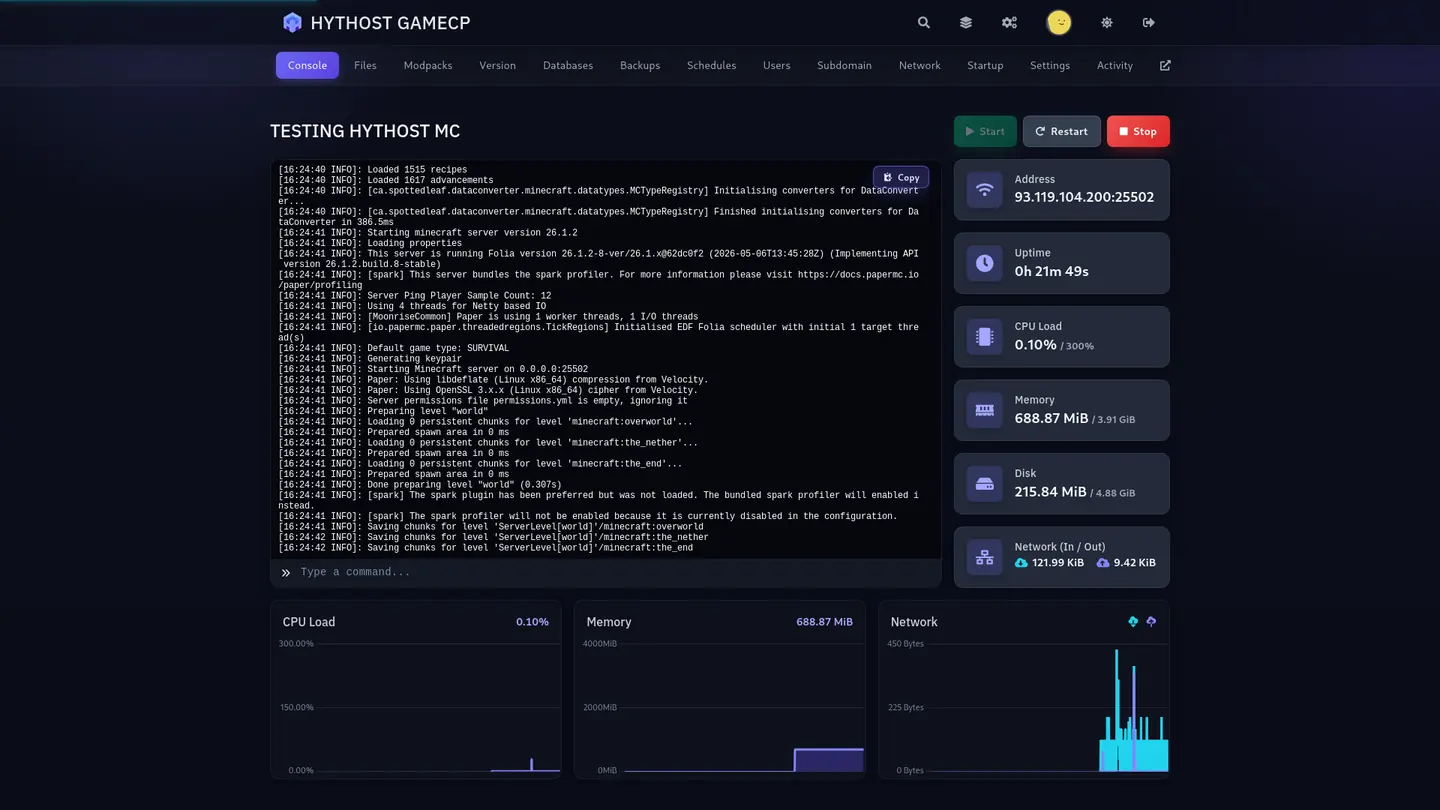
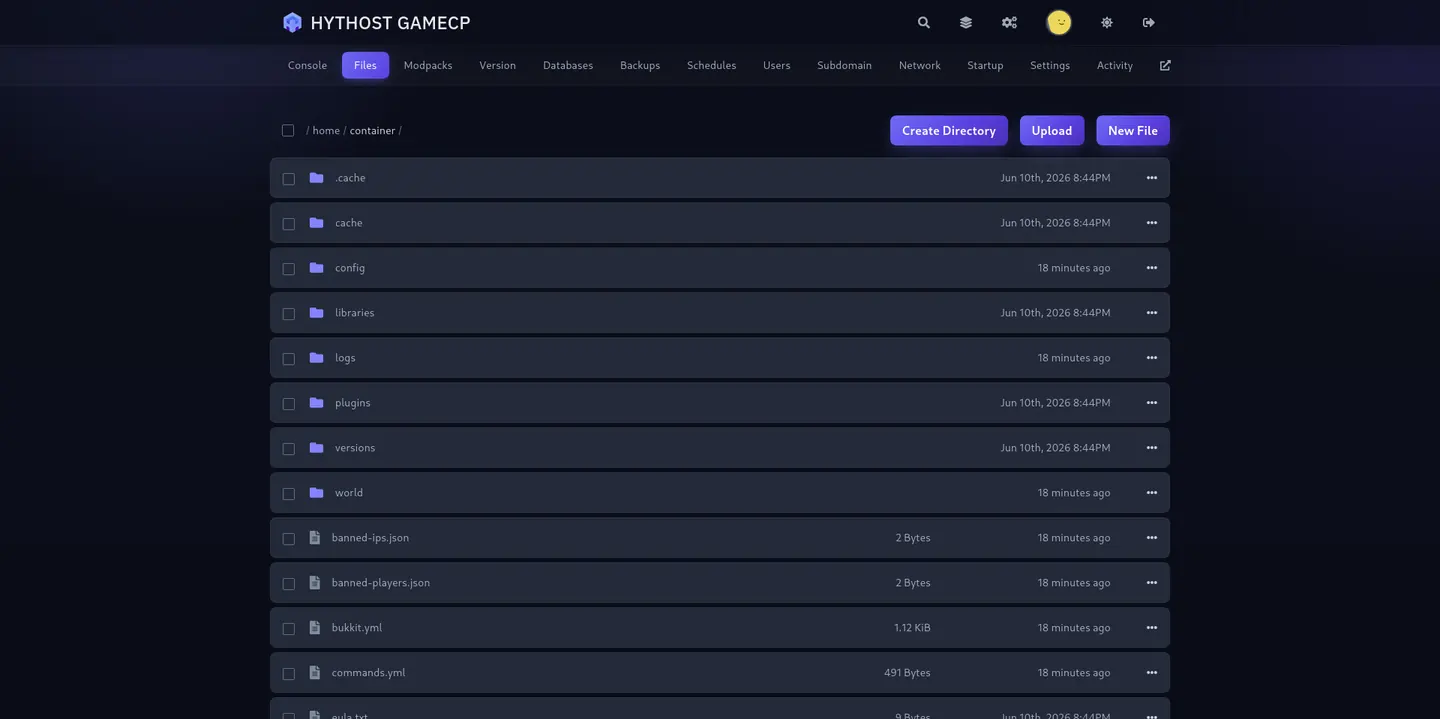
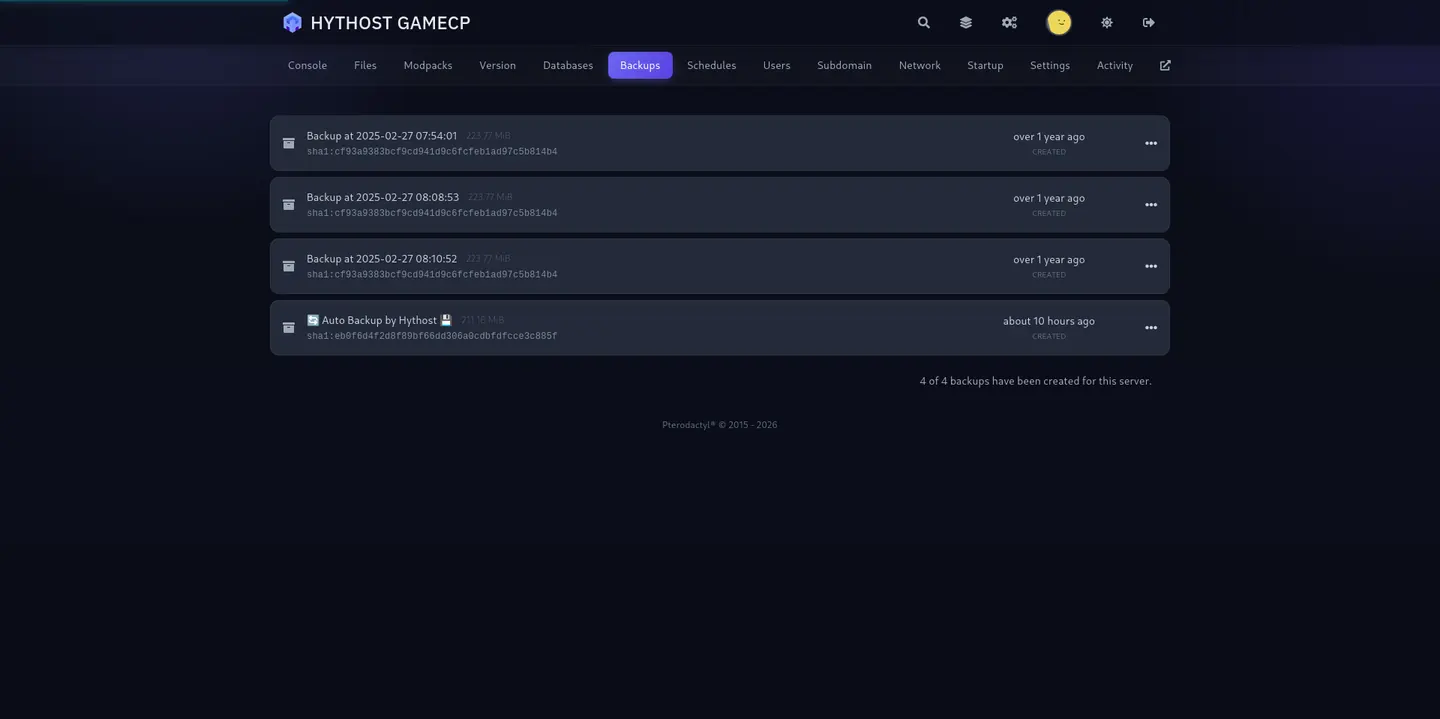
Real-time console, drag-and-drop file editor, scheduled backups, and SFTP — the same tooling pros use, made simple.
When Counter-Strike 2 replaced CS:GO in September 2023, Valve kept the old game available as a beta branch of CS2 in Steam. To play on your server, players open Steam, right-click Counter-Strike 2, choose Properties, then Betas, and select csgo_legacy. Steam downloads CS:GO next to CS2, and it launches as its own game.
From there everything works the way your community remembers: the server browser, connect ip:port in the console, and a favourite saved in the server list. CS:GO no longer receives game updates, so the version your server runs stays compatible with the legacy client.
CS:GO updates the game world a fixed number of times per second. Official matchmaking used 64 tick, while third-party leagues and competitive communities played on 128 tick, where movement, spray and hit registration feel noticeably more precise. That difference is exactly why many teams still run their own CS:GO server.
Your server runs at 128 tick on high-clock Ryzen 7 and Intel i9 cores with NVMe storage, so it keeps that pace on a full scrim or a busy retake session. Unlike CS2, which moved to sub-tick networking, on CS:GO the tick rate you run is the tick rate players feel.
CS:GO has the most mature plugin ecosystem in Counter-Strike: SourceMod on top of Metamod:Source, with years of admin tools, retakes, surf and bhop timers, practice mode, rank systems and match plugins. With full file access you install them the usual way: upload the addons folder over sFTP or through the panel's file manager, restart, and they load.
Every server includes a MySQL database for plugins that store stats, bans or ranks. Because CS:GO no longer changes, plugins that worked for your community keep working.
Slots are the number of players who can be connected at the same time. Retakes and 5v5 matches fit in 10 to 12 slots. Scrims and pugs with coaches or casters sit well at 20. Community deathmatch, surf and bhop servers usually run around 32, and busy publics or events 48 to 64.
Pick the exact number with the slider, anywhere from 10 to 64. More slots also bring more CPU, storage and databases. You can upgrade from your client area when your community grows, paying only the prorated difference.
Already running a CS:GO server somewhere else? Open a ticket and we will move it for you at no extra cost: server.cfg and gamemode configs, your addons folder with SourceMod plugins and their configs, custom maps and any MySQL database.
Your server gets a new address with the move. If your players connect through a domain, you only update one DNS record and nobody has to change anything on their side.
Host CS:GO when your community plays the legacy game: 128 tick, SourceMod plugins, and maps and modes that never made it to CS2. Remember that players join through the csgo_legacy beta.
For the current game with sub-tick networking and the whole matchmaking audience, see our Counter-Strike 2 hosting. For the classic that still fills servers across Romania, Moldova and Eastern Europe, see Counter-Strike 1.6 hosting.
Answers about joining, tick rate, plugins, backups, billing and migration.
128 tick, SourceMod ready and Voxility DDoS protection in front of every server.


We use strictly necessary cookies to run the site, and analytics and advertising measurement only if you allow it. Read the Cookie Policy