Minecraft Bedrock Server Hosting
“The server works great, I didn't have any second of lag.” — Gigi Bos, Trustpilot
Choose your server type
Pick a path that matches how you play. You can switch anytime.
Specialized hosting: Modded (Forge, Fabric, NeoForge) · Bedrock (console & cross-play)
Pick your Minecraft server size
Every Bedrock plan runs on the same high-clock hardware. More RAM means more players and add-ons, and you can upgrade or downgrade anytime.
MC Coal
MC Redstone
MC Iron
MC Gold
MC Diamond
MC Emerald
MC Netherite
MC Obsidian
MC Bedrock
Finish your setup
Choose your software and version
- Pterodactyl Panel + SFTP
- Unlimited player slots
- Mods and plugins supported
- 1-click modpack installer
- NVMe storage
- Instant setup
- Daily backups
- Anti-DDoS Voxility 1 Tbps+
- Friendly support
- Free subdomain
- Free subusers
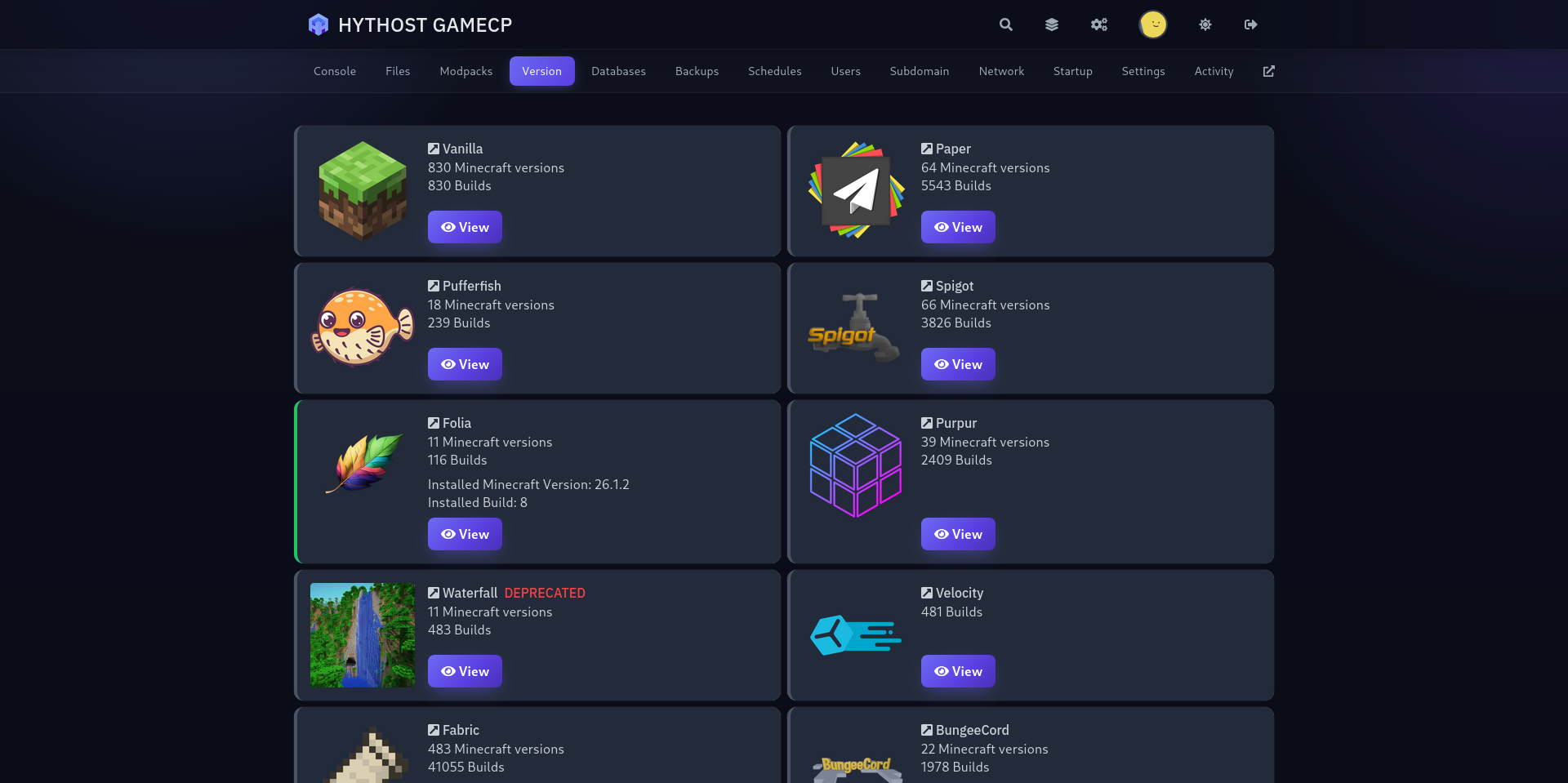
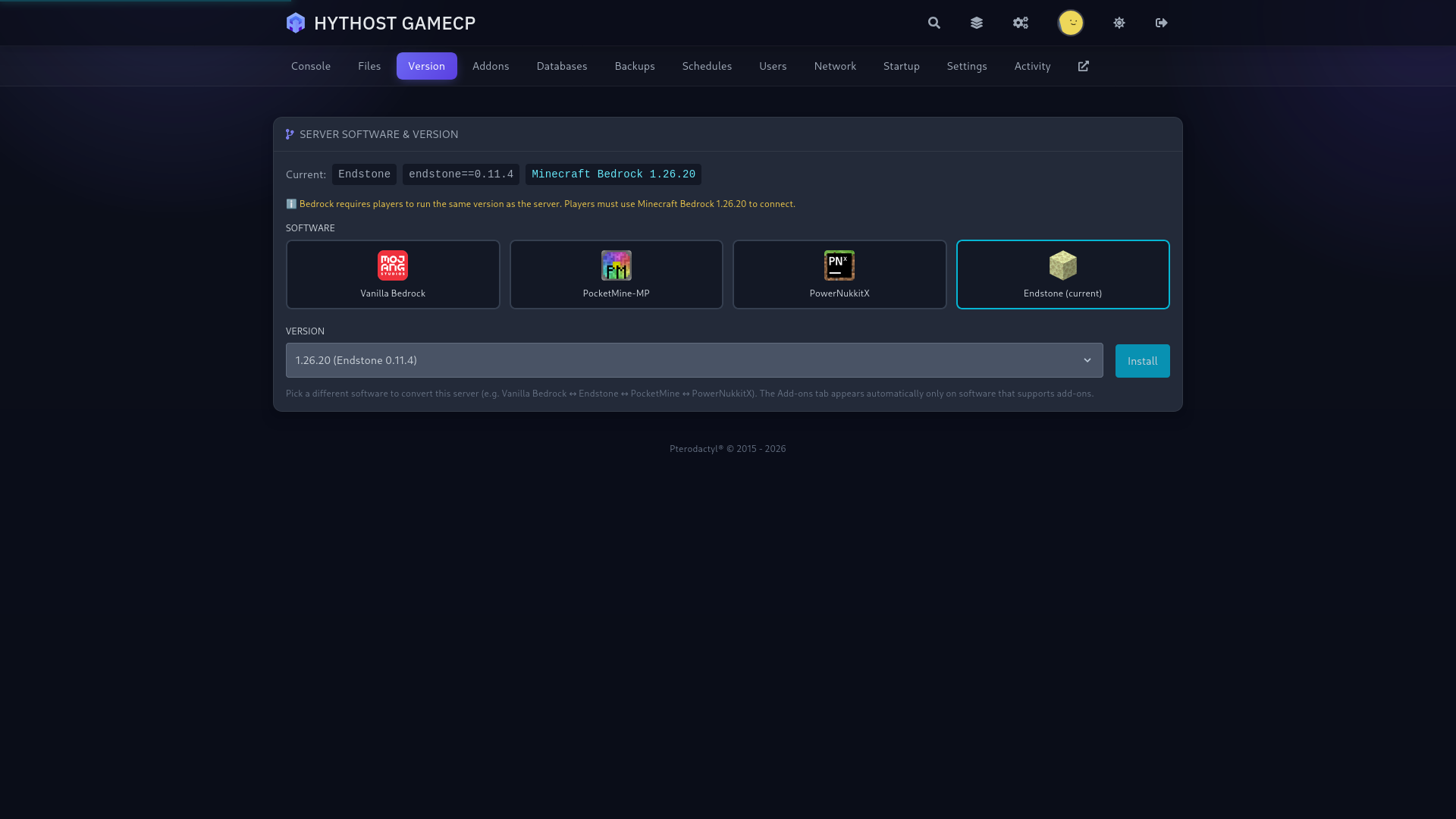
- Easy version switching
I only paid 2.59$ for a server where i can play with my friends and the server works great, i didn't have any second of lag. If u guys are looking for a cheap hosting service use hythost, it's the best.
You get stable, good server for the price. I will recommend using them if you do not want to spend a lot of money for your server. And also support is really helpful and efficient.
My server got griefed and i was not able to restore any of the backups. HytHost replied to me within 1 day and within 2 days, the server was as great as new.
Everything you need for a Bedrock server
Cross-play, explained: one server for Xbox, PlayStation, Switch, mobile and PC
The main reason to run a Bedrock server is cross-play. Bedrock Edition is the one version of Minecraft that runs across consoles, phones and the Windows app, and a Bedrock server lets everyone meet in the same world no matter what they own.
That covers Xbox (Series X|S and One), PlayStation (5 and 4), Nintendo Switch, iOS and Android phones and tablets, and the Minecraft for Windows app on PC. A friend on a phone and a friend on a PlayStation can build together on the same plot, with the same gamerules and the same backups.
There is one server, one address and one community. You do not run a separate server per platform, and players do not need matching hardware. That is what makes Bedrock the easy choice for friend groups and families spread across devices.
How players connect, including consoles
How you connect depends on the device. Windows and mobile are instant. Consoles need a one-time setup that is worth understanding, because it is the question console players ask most.
Windows 10/11 and mobile (iOS, Android). Open the game, go to Play, then the Servers tab, then Add Server. Enter the address and port we give you, save, and join. The server stays in your list for next time.
Xbox, PlayStation and Switch. Consoles do not let you type a custom server address in the Servers menu, because that list is reserved for Minecraft partner servers. The community solution is a free DNS-based connector, most commonly BedrockConnect. You point the console at a small DNS service, which adds a "connect to a server" option to the in-game server list so you can enter any address. It does not change anything else about your console or network.
The idea is the same on each console and you only do it once:
- Xbox: Settings, then Network settings, then Advanced settings, then DNS settings. Set it to Manual and enter the connector DNS we provide, then restart Minecraft and open the Servers tab.
- PlayStation: Settings, then Network, then Set Up Internet Connection. Choose Custom and set the DNS to Manual using the address we provide.
- Nintendo Switch: System Settings, then Internet, then your connection, then Change Settings. Set DNS to Manual and enter the address we provide.
Because these connector DNS endpoints occasionally change, we give you a working address and the current per-console steps after your server is set up, instead of a number that might go stale. Once the server is added it is saved on the console, and players join with full cross-play to everyone on PC and mobile.
Prefer a name your players can remember instead of an IP? We can set up a free subdomain for the server, so it is easier to share and type.
Bedrock vs Java: which edition should you host?
Minecraft has two editions, and on their own they do not join each other's servers, so the first decision is which one your group actually plays. A Java (Paper) server can also let Bedrock players in with the GeyserMC plugin, plus Floodgate so they do not need a Java account.
Choose Bedrock if your players are on consoles, phones, or the Windows 10/11 app, or if you simply want effortless cross-play. Bedrock runs smoothly on lower-end devices, connects everyone together, and customises through add-ons.
Choose Java if you and your friends play on PC and want deep mods or full modpacks. Java is where Forge, Fabric and the big CurseForge packs live. If that sounds like your group, see our modded Minecraft hosting or the main Minecraft hosting page.
A quick way to decide: if anyone in your group is on a console or phone, Bedrock keeps everyone together. If it is a PC-only group chasing a specific modpack, Java is the one.
Add-ons and bringing your own world
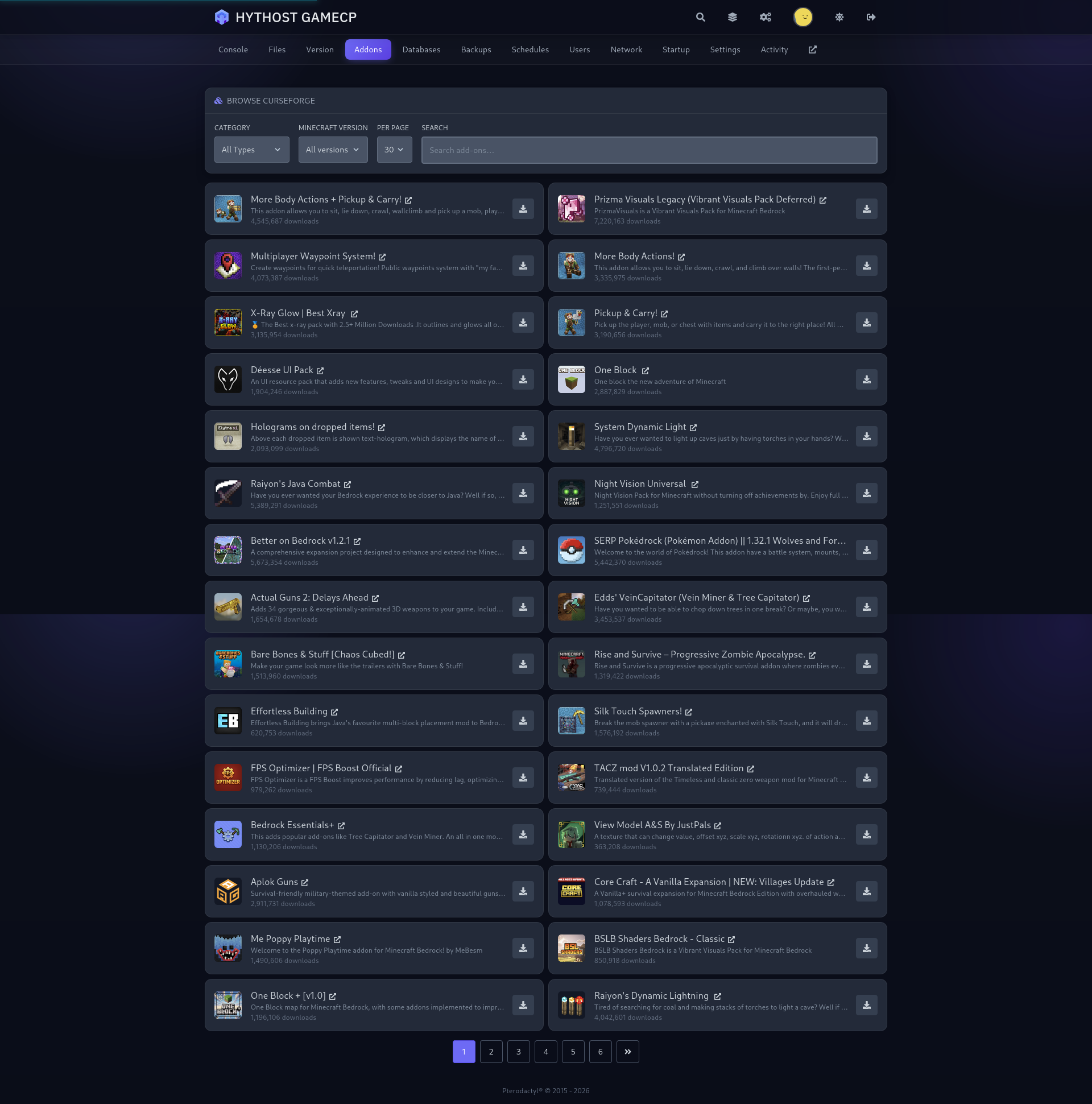
Bedrock customises through add-ons rather than Java-style mods. Add-ons come as behavior packs, which change how the game works with things like new mobs or mechanics, and resource packs, which change how it looks. You upload them through the panel and enable them on your world.
You can also bring a world you already have. Upload your existing Bedrock world, whether it came from a Realm or a single-player save, through the file manager or over SFTP, and it loads on the server so nobody loses progress.
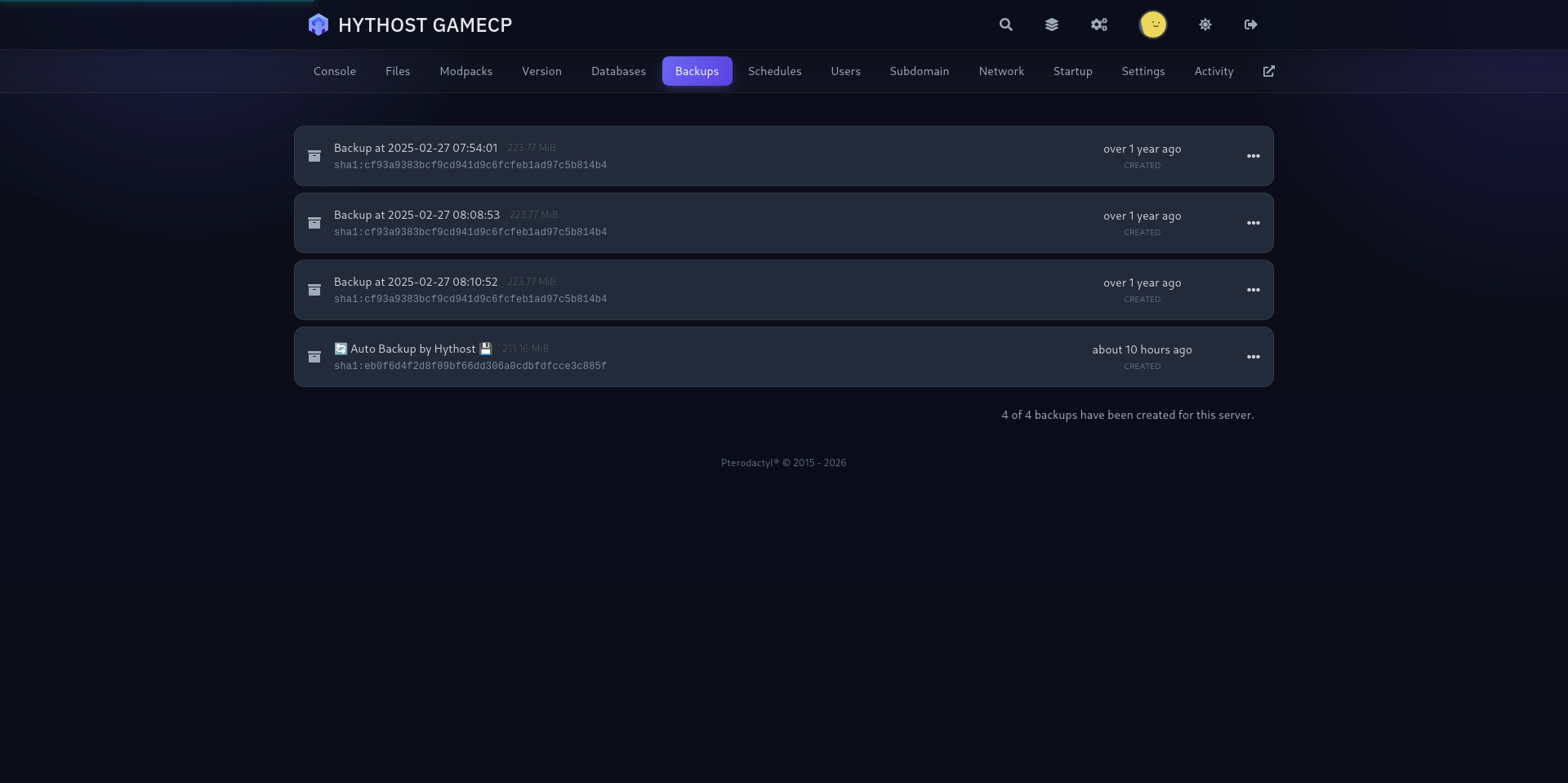
Backups are built in, so you can snapshot the world before trying a new add-on and roll back in a couple of clicks if you change your mind.
Which Bedrock versions are supported
We run current Minecraft Bedrock and keep it updated. The console, mobile and Windows apps all update together and expect to talk to a matching server version, so staying current is what keeps your players able to connect the day a new update lands.
When a Bedrock update releases, the server is brought up to match, so there is no long window where your console players are locked out. If you need to hold on a specific version for an add-on or an event, you can manage the version from the panel.
Instant setup and full control from the panel
Your Bedrock server is live within moments of ordering, with the address ready to share. From the GameCP panel you get a live console, a file manager, SFTP access and one-click backups.
You can set gamerules, change the difficulty, allow or block specific players, and invite free subusers so a friend can help manage the server without you sharing your password. Voxility DDoS protection and NVMe SSD storage are included on every plan, so the server stays online and worlds load quickly even with a full lobby.
Choose server resources
Tune RAM, software, and add-ons — then order in one click.
Choose the edition/server
Selected edition: Not selected
Custom Minecraft Server
- 5 GB DDR4 RAM @ 3200 MHz
- 100 GB NVMe SSD (3300+ MB/s)
- 1 MySQL database included
- Pterodactyl Panel + SFTP
- Unlimited player slots
- Mods and plugins supported
- 1-click modpack installer
- NVMe storage
- Instant setup
- Daily backups
- Anti-DDoS Voxility 1 Tbps+
- Friendly support
- Free subdomain
- Free subusers
- Easy version switching
Your server stays online — even under attack
Every plan is shielded by Voxility's enterprise network at no extra cost. Attacks are absorbed and filtered automatically, around the clock — you never have to lift a finger.
- Included free on every plan
- Auto-mitigation in seconds, no setup
- Blocks Layer 3, 4 and 7 attacks
- Powered by Voxility's global network
Manage your server like a pro — from one panel
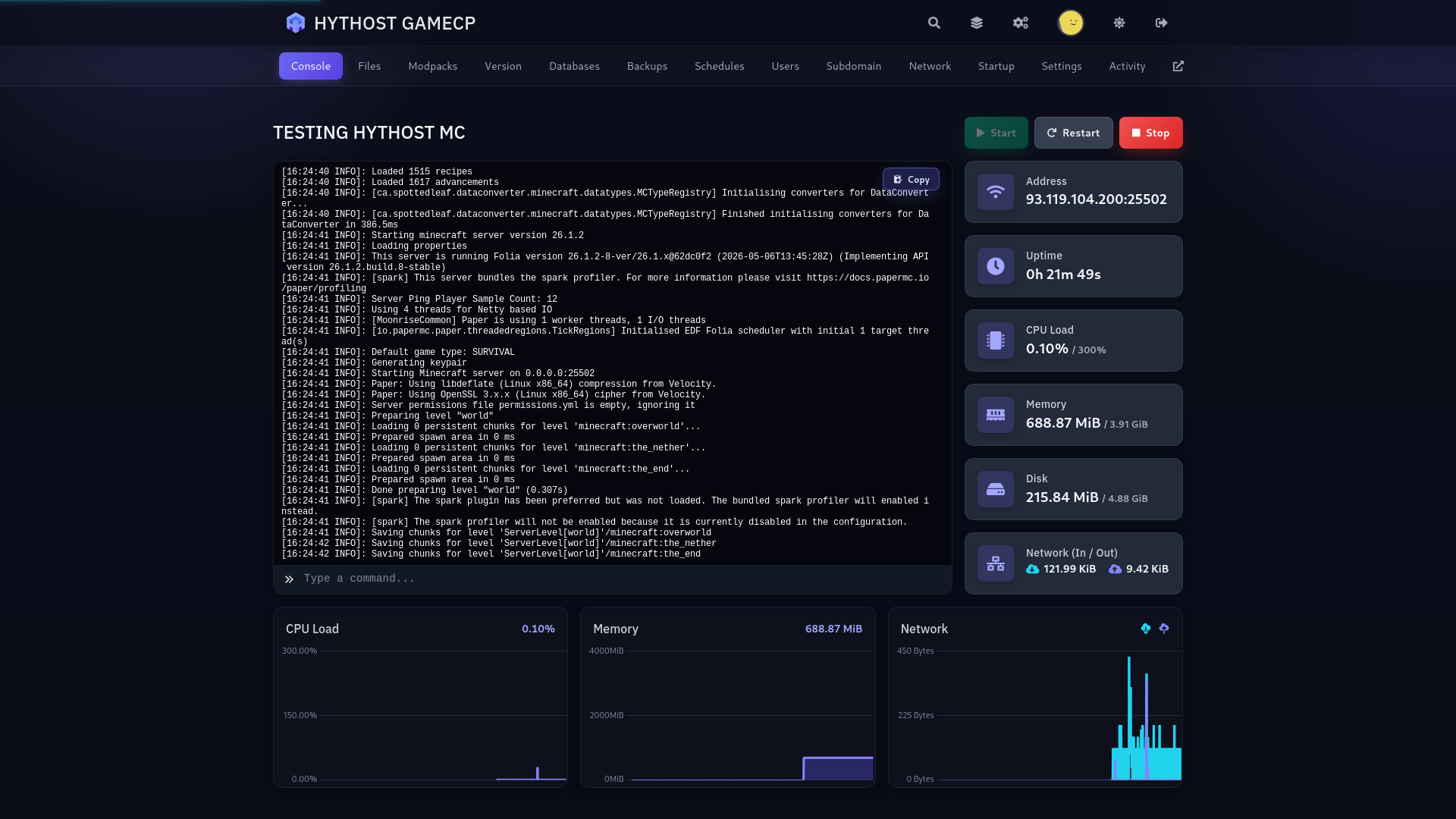
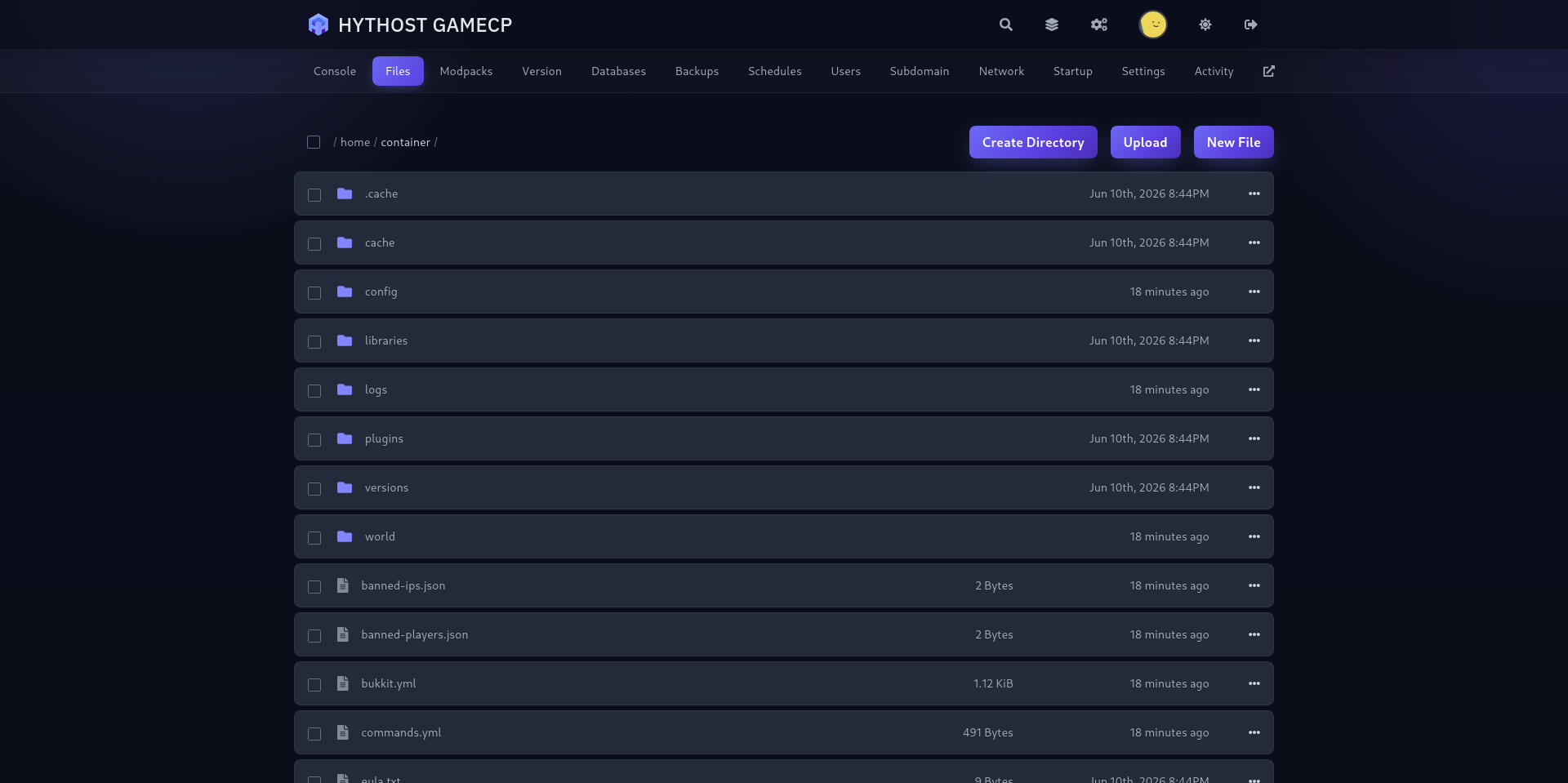
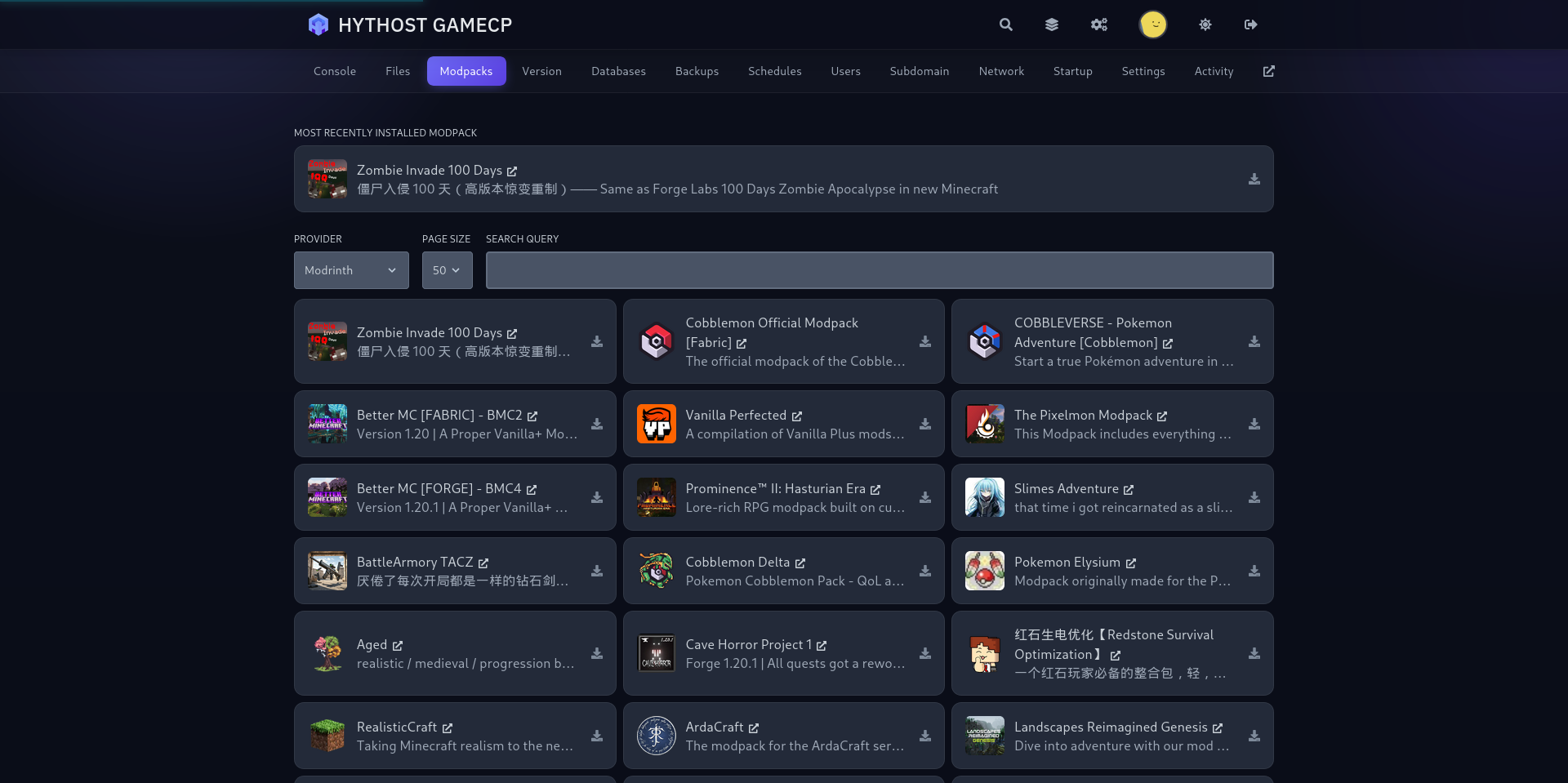
Live console, drag-and-drop files, 1-click version and modpack switching, and scheduled backups. Everything in your browser, no commands required.
Frequently Asked Questions
Quick answers on choosing a plan, performance, versions and modpacks, free migration, DDoS protection, backups, and support.
Still have questions?
Free migration, instant setup, and free version switching are all included — and our team is happy to help you get started.
Live chat 8 AM – 11 PM (Chișinău time) · tickets answered during business hours